Skip to content

Outbound sales software

The work before
and after “send”.

Find and enrich prospects, prepare email, LinkedIn and calling sequences, review generated work and handle replies in OXO.

Explore the approach
  1. 01

    Prepare

    Find accounts, select buyers and enrich records

  2. 02

    Reach

    Coordinate email, LinkedIn and calls

  3. 03

    Continue

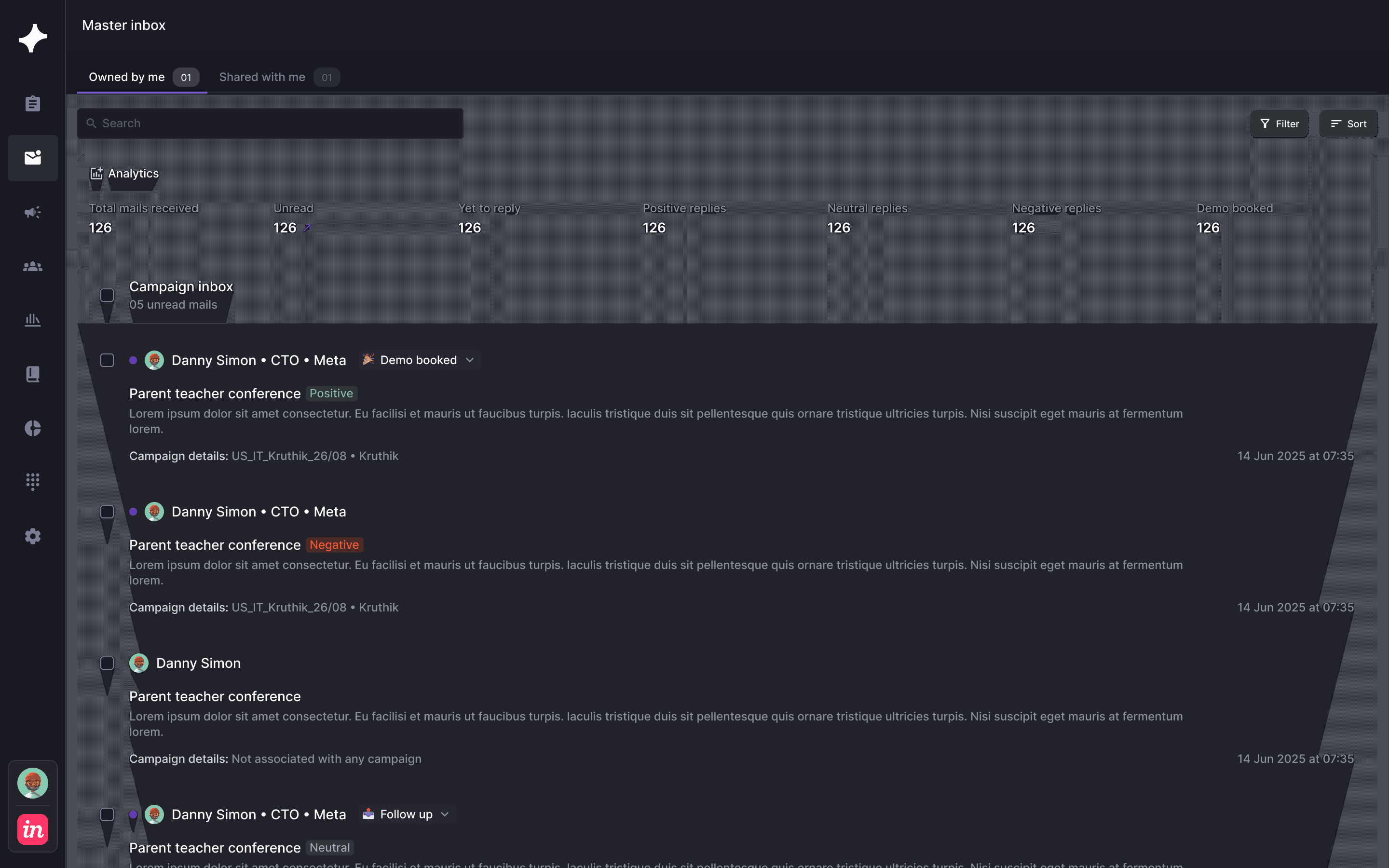
    Review replies and agree the sales handoff

A complete outbound workflow

The sequence is one part of outbound. Account selection, contact readiness, message review and response handling determine whether that sequence belongs in a useful sales process.

The full outbound process

Bring the work around the conversation together.

Outbound involves choosing accounts, finding buyers, preparing messages, following up and acting on responses. OXO connects those jobs so the audience and campaign remain useful context throughout the process.

  1. 01

    Prepare the audience

    Select suitable accounts and buyers.

  2. 02

    Build the sequence

    Choose channels, timing and message inputs.

  3. 03

    Review and launch

    Resolve generated work and approvals.

  4. 04

    Continue the conversation

    Work replies and calls with the original context.

Inside OXO

Follow the work through.

Find the market

Build the list for the campaign you want to run.

Review companies and people around your target segment. Enrich the available records and use the account context when you prepare outreach.

  • Start with company fit.
  • Find the roles relevant to the offer.
  • Review available email and phone details.
OXO / Find the market
OXO company-first prospecting view
Find the market
OXO company-first prospecting view

Decisions for your team

Where does context get lost in your current process?

Evaluate the handoffs as carefully as the individual tools. Research should be usable in a message; a response should be usable by the person continuing the sale.

0 of 3 planning decisions reviewed

Account review

Confirm that the audience fits the offer.

Message review

Check generated work and approved claims.

Campaign visibility

Use states to understand what is ready or waiting.

Outbound sales software questions.

What is outbound sales software?

Outbound sales software helps teams identify and contact prospective customers and organize follow-up. OXO connects prospecting, enrichment, sequences, calling and response handling.

Can OXO consolidate our tools?

OXO connects work often split across prospecting, sequencing, calling and reply-management tools. The appropriate scope depends on your current systems and integration needs.

Which channels are available?

OXO's outbound workflow coordinates email, LinkedIn and calling within campaigns.

How should we evaluate outbound software against our current process?

Walk through one real campaign from account selection to the sales handoff. Identify where research is copied, approvals become unclear or a response loses its original context. Check the relevant OXO product views and confirm integration requirements for the systems you keep. Choose a starting scope that addresses a specific operating problem and can be reviewed by the team doing the work.

What needs to be ready before the first outreach?

Agree the audience, offer, exclusions, usable contact details and channel plan. Review message inputs and decide where approval is required. Confirm sending and calling setup, then name the person handling responses. These choices make the campaign executable. A prepared sequence still needs people responsible for relevance, exceptions and the buyer conversations that follow.

Keep exploring

Sales engagement platform

Explore connected channel execution.

AI SDR

Review AI-assisted preparation.

Pricing

Understand the OXO commercial model.

See your outbound process in one place.

Walk through audience selection, campaign setup and the way your team handles responses.