Skip to content

The SDR working day

A better prepared
next conversation.

Research accounts, prepare outreach, make calls and work replies in OXO. Give SDRs the prospect context and campaign history they need before the next touch.

Explore the approach
A focused working session with a laptop

Next touch

A sequence with a clear reason to follow up

Next touch

The first call should not begin with five open tabs. Start from the person, the company and the reason this account belongs in the campaign.

A better rep workflow

Less time assembling the work. More time doing it.

An SDR's day moves between research, email, calls and replies. OXO brings those jobs into a connected workflow so preparation does not start over whenever the channel changes.

  1. 01

    Review the audience

    Start with suitable accounts and the roles you need to reach.

  2. 02

    Prepare the sequence

    Set the email, LinkedIn and calling steps with appropriate intervals.

  3. 03

    Work the conversations

    Use contact context to write, call and respond.

  4. 04

    Review the outcome

    Read replies and call activity before choosing the next touch.

Inside OXO

Follow the work through.

Before the first touch

Know the person behind the next call.

Open the contact's role, company, contact details and campaign membership before writing or calling. Use that context to choose a relevant opening.

  • Review company and contact details together.
  • See which campaigns the person belongs to.
  • Use available email and phone details from the record.
OXO / Before the first touch
OXO contact profile with role, company, campaign and contact details
Before the first touch
OXO contact profile with role, company, campaign and contact details

Decisions for your team

What should a rep know before the next touch?

A job title is a starting point. Check the person’s responsibility, previous touches and the available contact details before choosing an opener.

0 of 3 planning decisions reviewed

Message review

Keep mail approval enabled where manager judgment is needed.

Campaign status

Find work that is generating, waiting for approval, in progress or paused.

Rep judgment

Let reps own the response, live conversation and qualification.

SDR teams questions.

Which channels can SDRs use in OXO?

OXO brings email, LinkedIn and calling into the prospecting and campaign workflow.

Can managers review messages before sending?

Yes. The sequence setup includes mail approval, and the campaign view shows approval progress for each lead.

Does OXO replace the SDR?

OXO helps with preparation and repeatable outreach work. SDRs remain responsible for live conversations, qualification and the next commercial decision.

How should a manager review the first campaign?

Review a small set of accounts and the first message drafts together. Check that the rep can explain why each company fits, which role matters and what the next touch is intended to learn. Use mail approval while refining the approach. After launch, read the actual replies and call activity before changing the audience or adding more volume.

What belongs in a rep’s handoff?

Include the company, the person’s responsibility, the reason for outreach and the buyer’s own response. Agree who follows up and what needs to happen next. Keep an objection in the buyer’s words rather than replacing it with a broad sentiment label. The receiving seller should be able to continue without asking the prospect to repeat the conversation.

Keep exploring

Sales dialer

Call from the outbound workflow.

Master Inbox

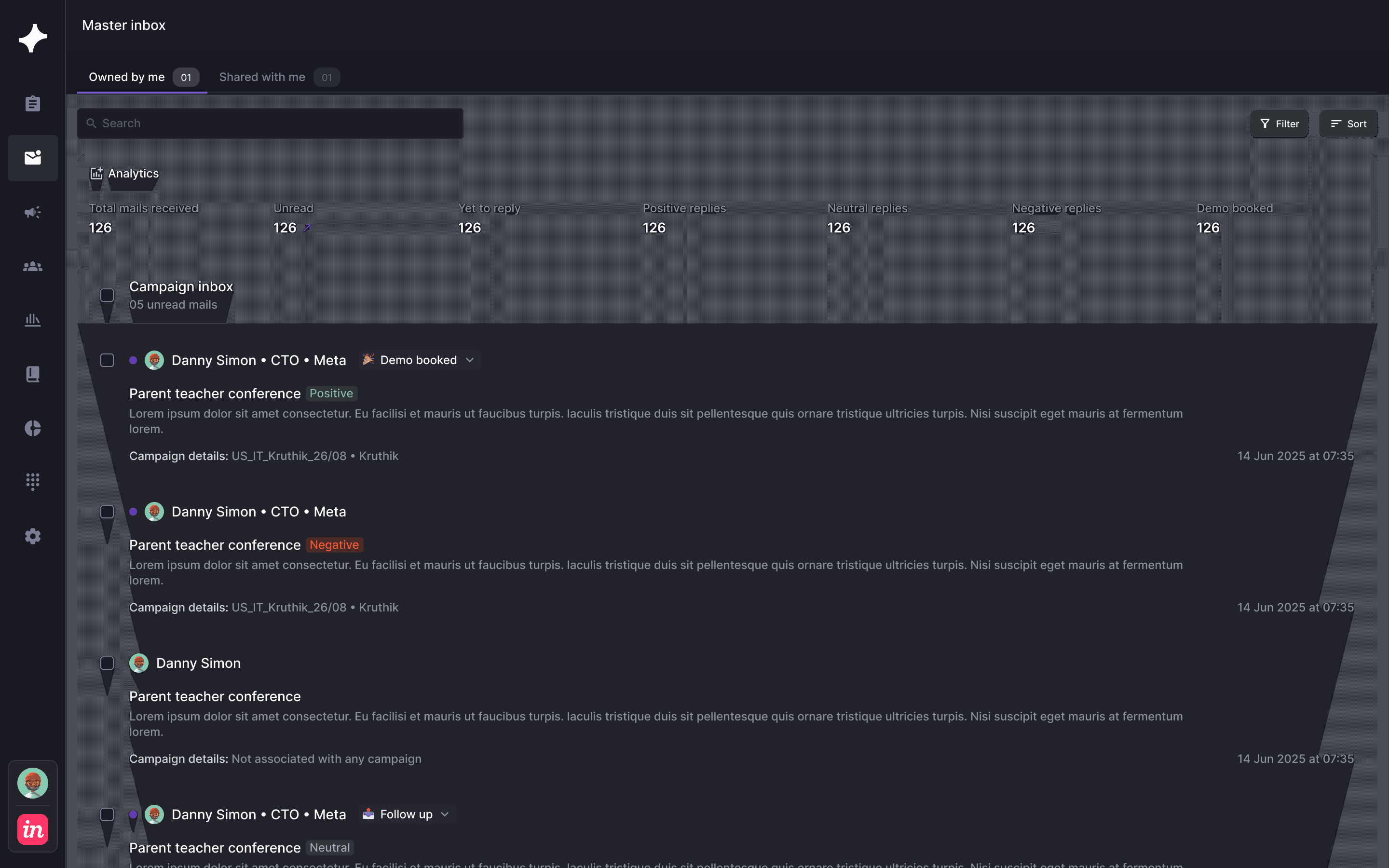
Work responses with campaign context.

Campaigns

Review sequence and approval states.

Give your SDRs a connected working day.

See how account research, outreach, calls and replies fit your team's process.